

This panel appears in Idea Studio but not on the Infinite Canvas or in Digital Host.
Two modes
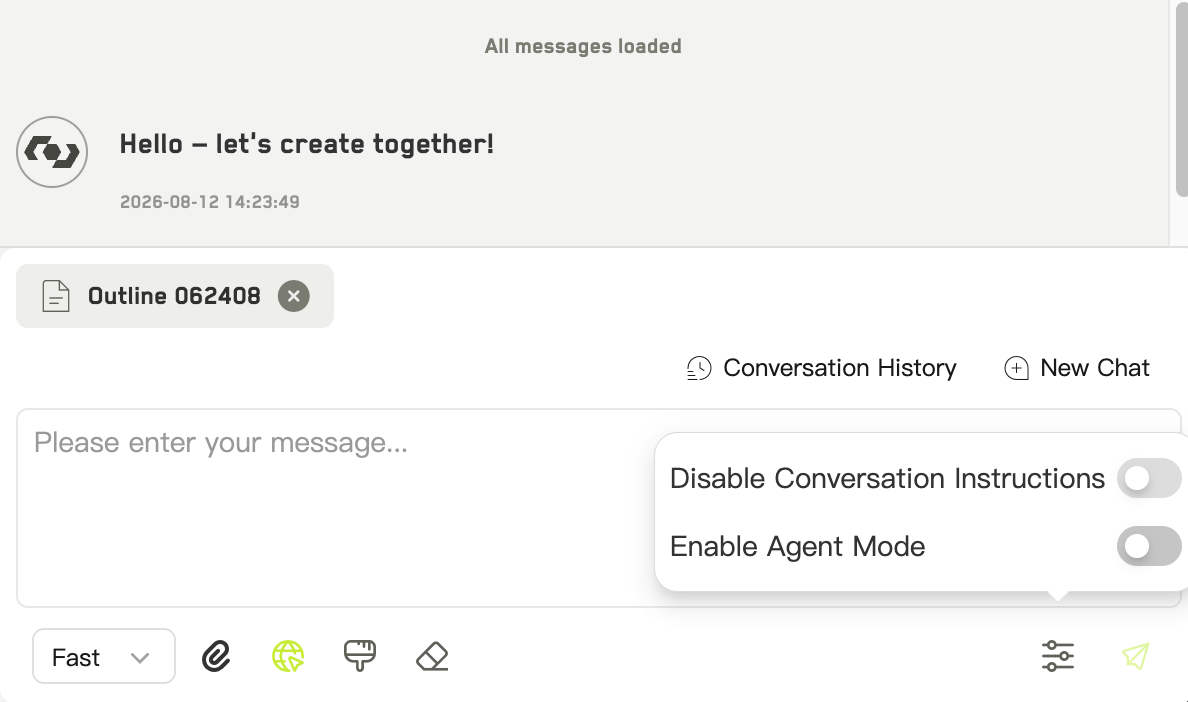
The workspace AI chat panel
- Ask
- Agent
A conversation. The AI answers using whatever context you have given it, but does not change anything in your workspace.
Giving it context
Right-click any idea in the file tree and choose Add to chat. The idea is attached to the conversation, and the AI can read its summary, content, and prompts.Conversations
Each app in the workspace keeps its own conversation thread, so Idea Studio’s chat history stays separate from other apps’. You can browse past conversations, start a new one, and pick which agent to talk to.Saving what comes back
When a reply contains structured idea data, a button appears to save it all into your workspace at once. Afterwards WJI reports what happened:- how many were saved
- how many already existed
- how many were skipped