

Local tools
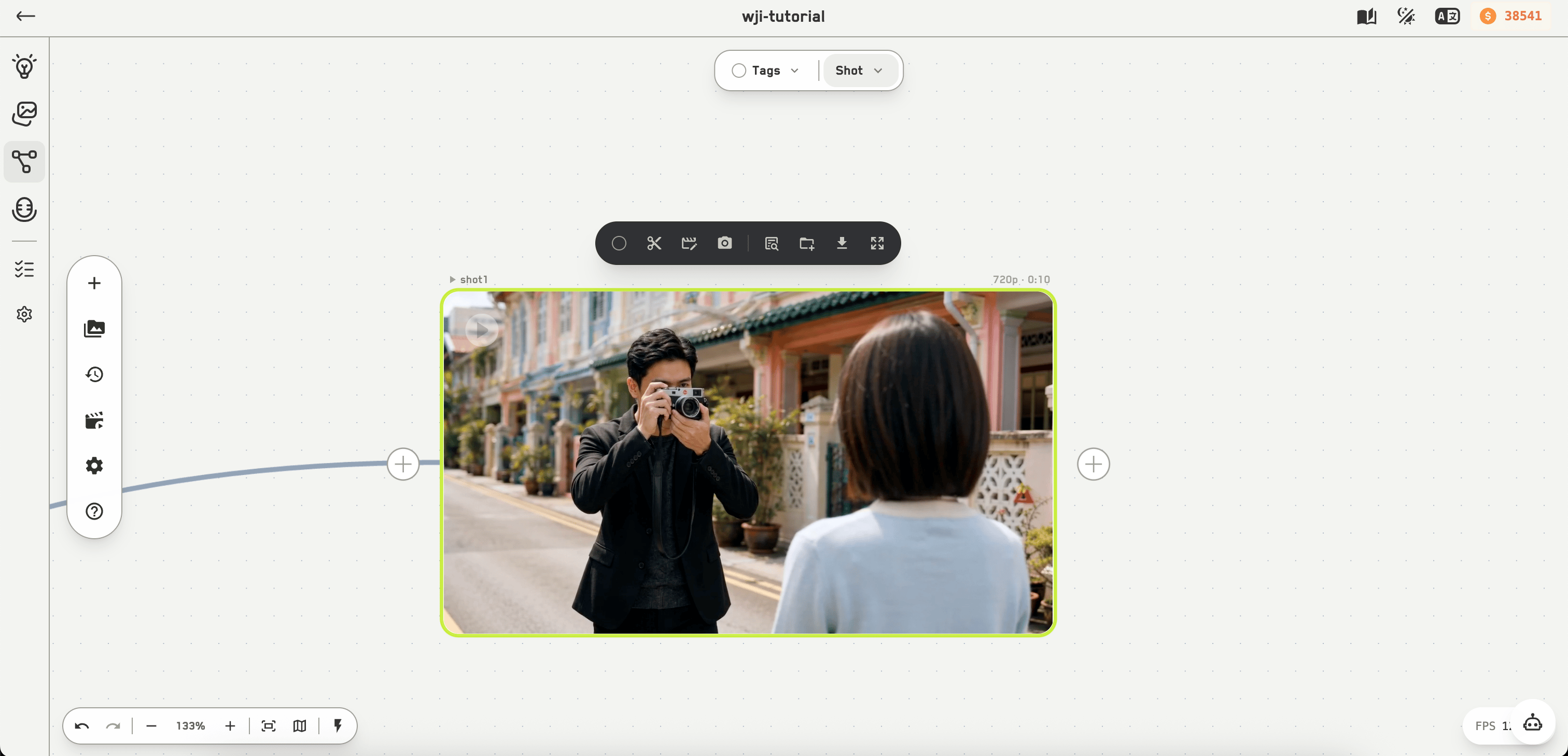
A video node and its toolbar
Selective regeneration
.gif?s=c7fb0f938ea4e1b6af12efdf6d57c11c)
Selective regeneration, with all four previews
1
Choose a section
On a video node, pick the range you want to replace.
2
Generate a replacement
WJI uploads the segment and regenerates it in edit mode.
3
Review the four tracks
The node can preview the original, the segment, the generated replacement, and the stitched result.
4
Stitch
Stitch full video joins it back together. The result can be added to the director bar as the stitched clip, the generated segment alone, or the before-and-after arrangement.
AI video tools
If a required model is not available on your account, WJI names the missing model rather than failing quietly.