

The three roles
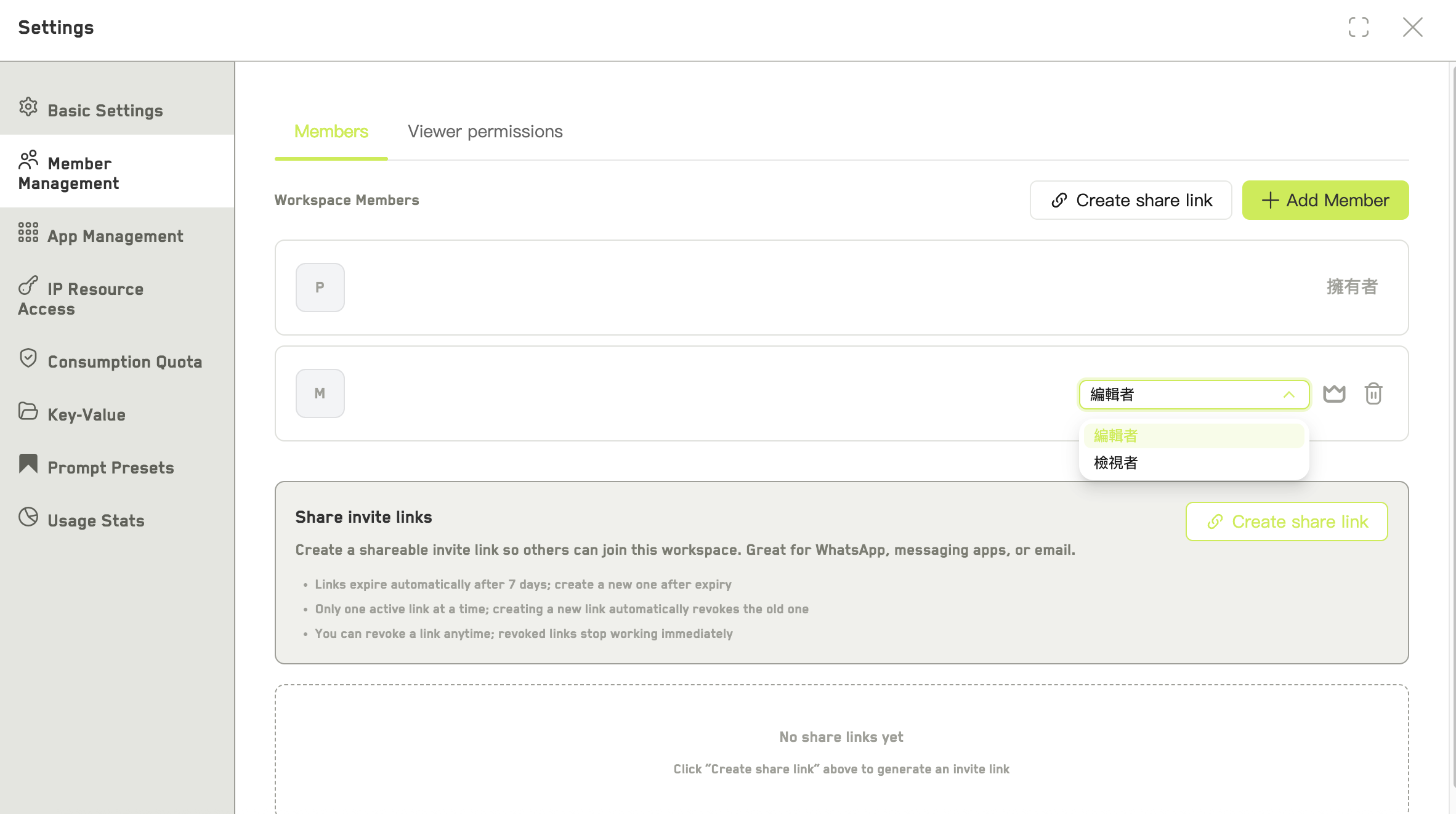
The members and limits table in the organization console
Members who are not admins see My organization identity instead of the console: their role, department, limits, current spendable credits, and which models they may use.
Changing roles
Roles can be changed between member and admin only. The owner’s role cannot be changed directly, and owner cannot be granted this way — use ownership transfer.Transferring ownership
Only the current owner sees Transfer owner in a member’s⋯ menu. The new owner must be an active member.
After the transfer you become an admin. It cannot be undone from your side — the new owner has to transfer it back.
The owner cannot be removed from the organization. To remove them, transfer ownership first.
Limits
Every member has a monthly limit and a permanent limit, either of which can be left unset. These are soft limits on how much of the organization’s credits that person may spend — the credits themselves come from the organization’s pool either way. A member with no limits configured cannot start generations of their own. They can still work in workspaces set to budget owner mode, where the spend counts against the responsible person instead. Departments group people and carry model allowlists. Departments do not carry budgets — limits are always per member.Workspace billing mode
Workspaces inside an organization have a billing mode that decides whose limit a generation counts against.
Budget owner mode is how you let people without their own allowance contribute to a project.
Viewers can never start generations, in either mode. Also worth knowing: the models available in a workspace follow its creator’s allowlist, not the allowlist of whoever is generating.