

The workspace list
What a workspace contains
Ideas
Written material — stories, characters, locations, props, shots — organized into folders.
Assets
Every image, video, and audio file you generate or upload, attached to the ideas they belong to.
Canvases
Node boards. A workspace can hold as many as you need.
Settings
Members, default models, aspect ratio, spending limits, and prompt presets.
The apps
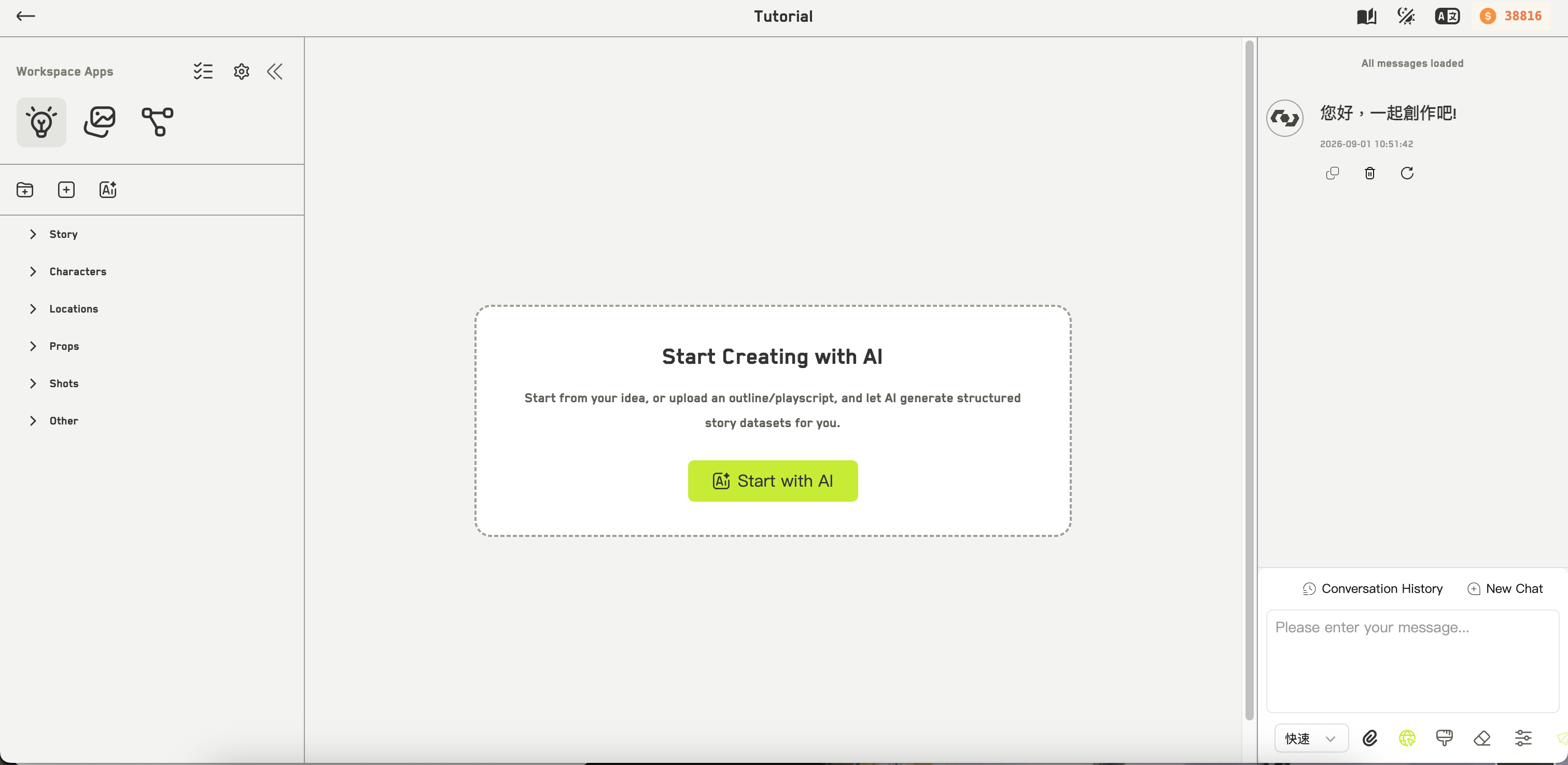
A workspace bundles a set of apps, shown as icons in the left panel. A new workspace gives you three:
A fourth app, Digital Host, can be added if your account has access to it.
The workspace list
Workspace in the top navigation opens My Workspaces. Each card shows the cover image, an aspect-ratio badge, the workspace language, a short description, the members on it, and how long ago it changed. Click the star to favorite a workspace. You can filter by All, Mine, Shared with me, or Favorites, sort by updated or created time in either direction, and search by keyword. More cards load as you scroll.Working together
Workspaces sync in real time. When a teammate adds, renames, deletes, or reorders something, your file tree updates without a refresh. WJI holds back an incoming change briefly if you have unsaved edits of your own, so your work is not overwritten mid-keystroke. The task tracker in the left panel shows generations running in this workspace — yours and your teammates’ — with their status.There is no way to duplicate a whole workspace. You can copy individual ideas and assets, but a workspace itself cannot be cloned.
Next steps
Create a workspace
The choices that matter when you set one up.
Members and permissions
Bring people in and decide what they can do.